Architectural Blueprints

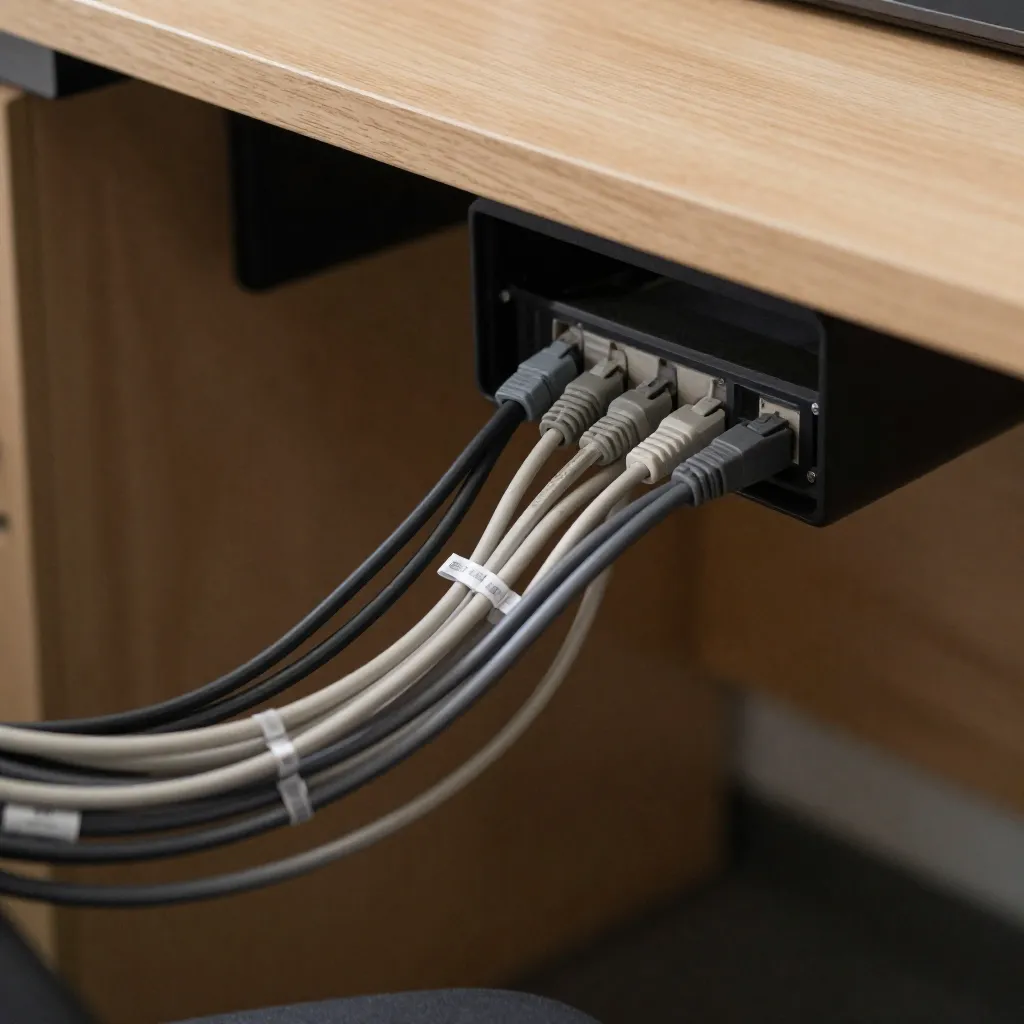
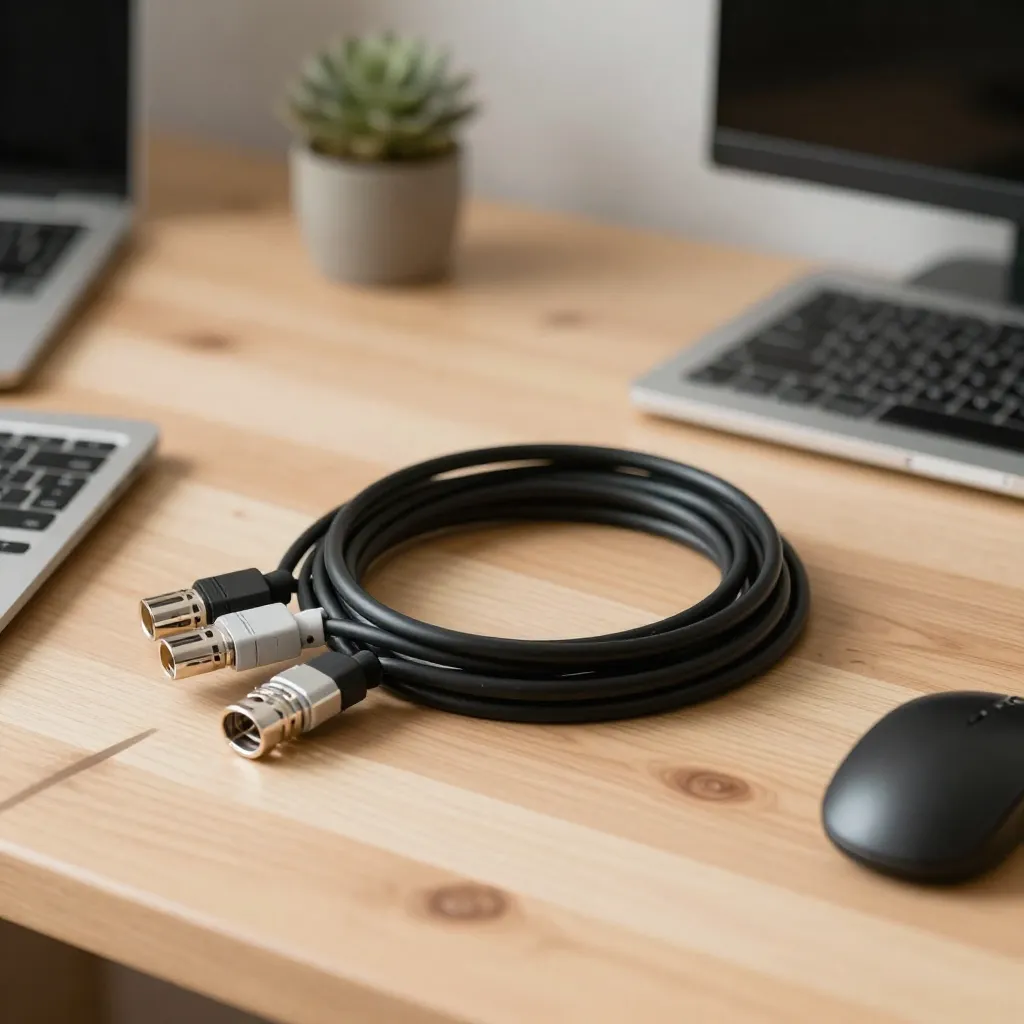
The foundation of effective cable management lies in understanding the physics of your workspace. Gravity is a constant force that, when harnessed correctly, keeps cables naturally organized without tension on connectors.

Think of your desk as a structure with specific load points. Power strips should be mounted where they can serve multiple devices while allowing cables to drop naturally toward their destinations. This prevents the pull-and-tug that damages ports over time.
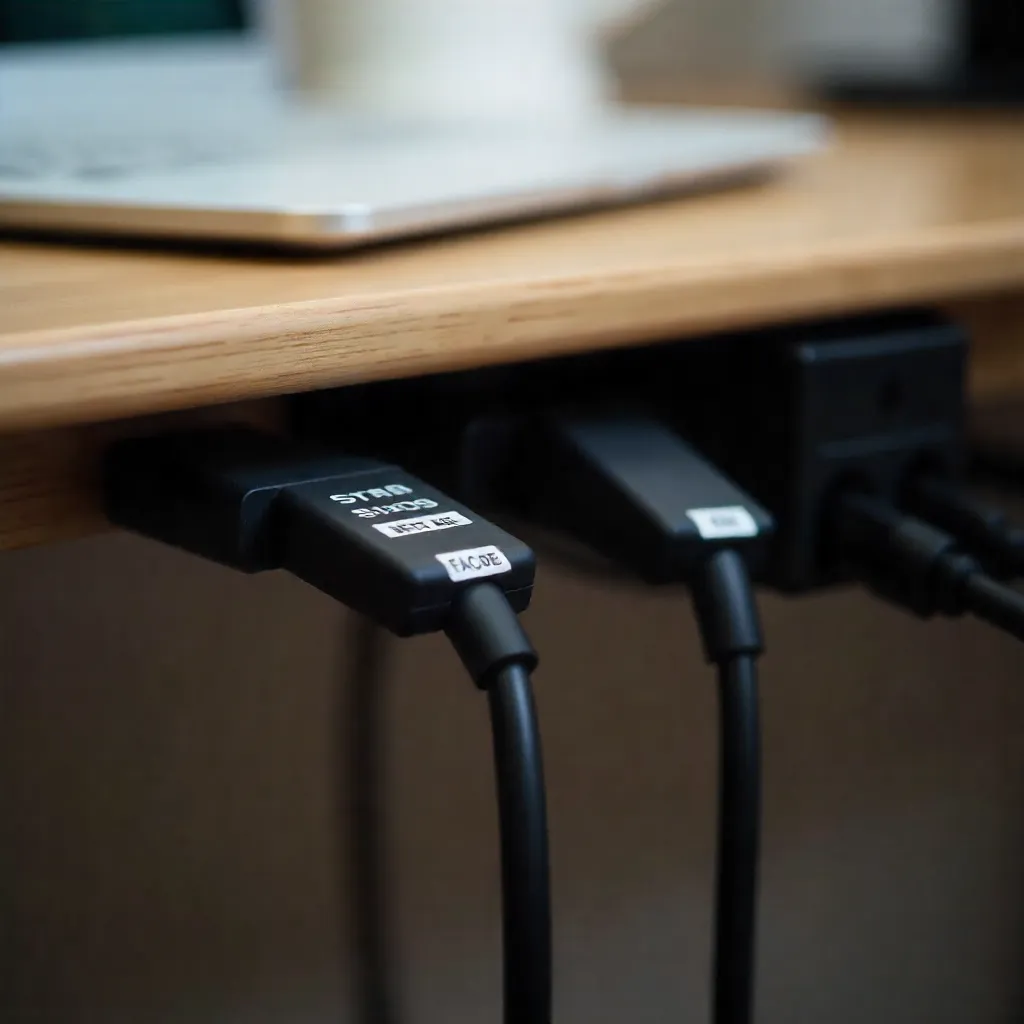
Architectural view of cable routing paths

Power Strip Placement

Strategic power strip mounting locations

The ideal power strip location is typically centered under your desk, slightly forward of the back edge. This position allows cables to reach devices on both sides while maintaining a natural downward curve. Avoid mounting strips too far back, as this creates unnecessary tension.

Consider the height of your desk and the length of your cables when planning placement. Cables should have enough slack to form gentle curves rather than tight angles. This slack acts as a buffer against accidental pulls and movement.

Gravity-Based Routing

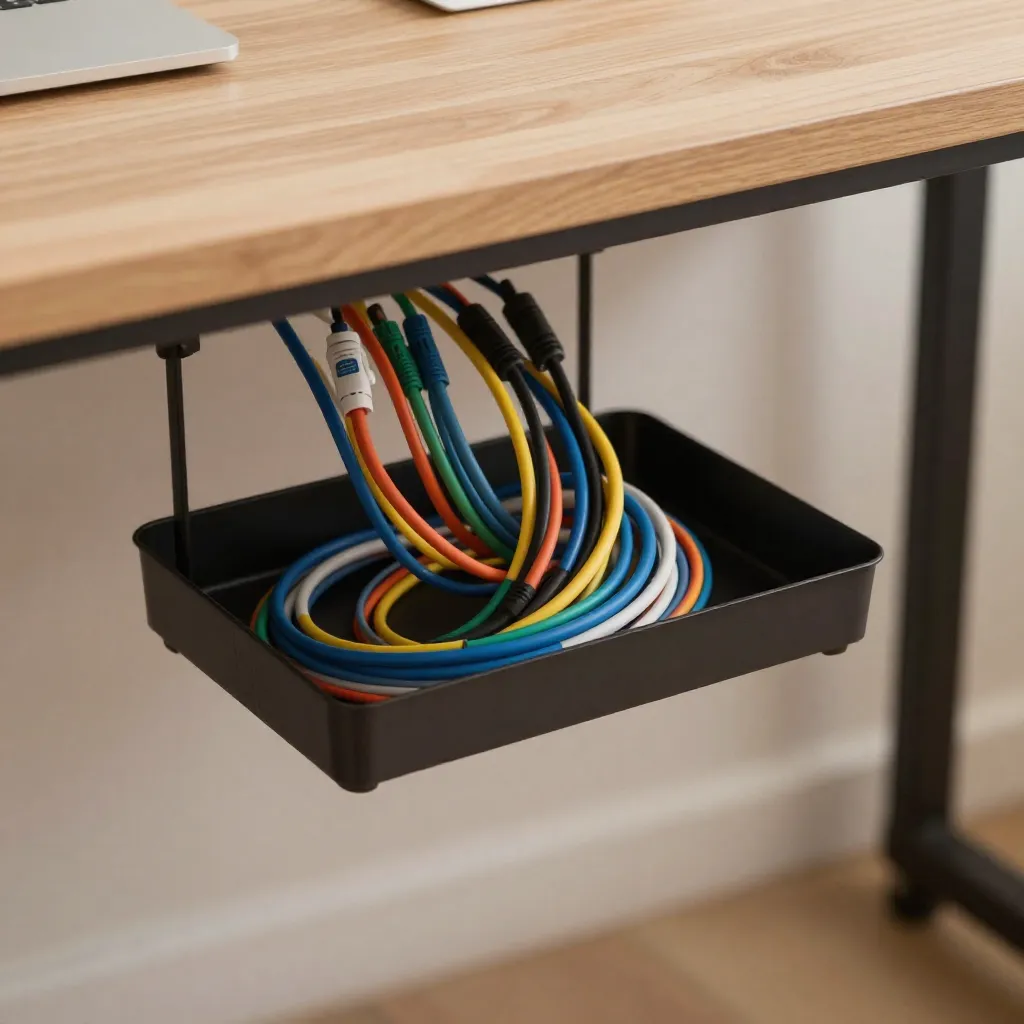
Cables naturally want to hang downward. Use this principle to your advantage by routing cables along paths that follow gravity's pull. Vertical drops from the desk surface to under-desk management systems create clean, tension-free paths.

When cables must travel horizontally, use clips or raceways positioned to support the cable's weight. This prevents sagging and maintains organization. The key is supporting the cable's weight rather than fighting against gravity.

Gravity-based cable routing demonstration

Preventing Port Damage

Cable management preventing port strain

Port damage occurs when cables pull directly on connectors. By ensuring cables have natural slack and follow gravity-based paths, you eliminate this tension. The cable should never be the thing holding itself in place—your management system should do that.

Regular inspection helps identify potential problems before they cause damage. Look for cables that appear taut or connectors that seem stressed. These are signs that your routing needs adjustment to better work with gravity rather than against it.

Privacy Notice

We use cookies to enhance your browsing experience and analyze site traffic. By continuing to use this site, you consent to our use of cookies.